Free · Open source · macOS + Windows免費 · 開放原始碼 · macOS + Windows
Capture it exactly. 截圖,分毫不差。
Screenshot, annotation and screen recording with pixel-level aim: frozen multi-display capture, a loupe that names the pixel, native performance on both platforms. 螢幕截圖、標註與螢幕錄影,具備像素級瞄準: 多螢幕凍結截圖、指名像素的放大鏡,雙平台皆為原生效能。
macOS 14+ · signed & notarized · Windows 10+ · unsigned for now, SmartScreen shows
More info → Run anyway
also: portable zip
· all releases
macOS 14+ · 已簽章並公證 · Windows 10+ · 目前未簽章,SmartScreen 會顯示
其他資訊 → 仍要執行
另有:可攜版 zip
· 所有版本
Made for the exact pixel為精確到像素而生
Pixel loupe像素放大鏡
One grid cell is one screen pixel. The loupe names the pixel you are on; arrow keys nudge by exactly one. 一格就是一個螢幕像素。放大鏡指名你所在的像素;方向鍵每次精準微調一格。
⌘⌥1 PrtScrAnnotate on a frozen frame在凍結畫面上標註
Shapes, arrows, pen, highlighter, text, blur, spotlight and step badges, across every display at once. 形狀、箭頭、畫筆、螢光筆、文字、模糊、聚光燈與步驟標記,所有螢幕同時進行。
Element snap元素框選
Selections snap to windows, buttons, toolbars and page elements; no hand-tracing rectangles. 選取範圍自動貼合視窗、按鈕、工具列與網頁元素,不必手描框。
Record the screen螢幕錄影
MP4 (H.264 / HEVC), GIF and HDR10, with system audio and microphone mixed into one clean track. MP4(H.264 / HEVC)、GIF 與 HDR10;系統音訊與麥克風混成單一音軌。
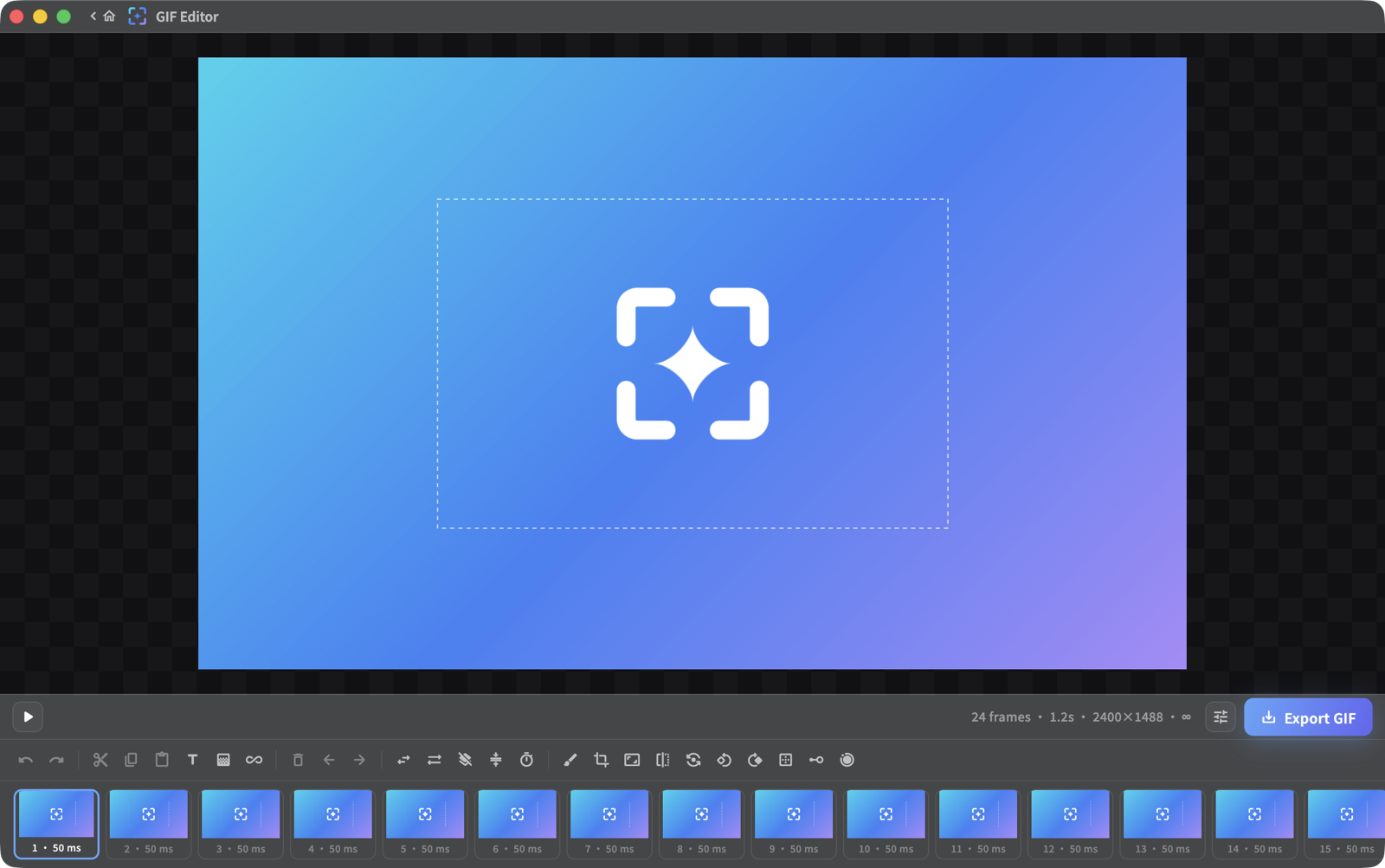
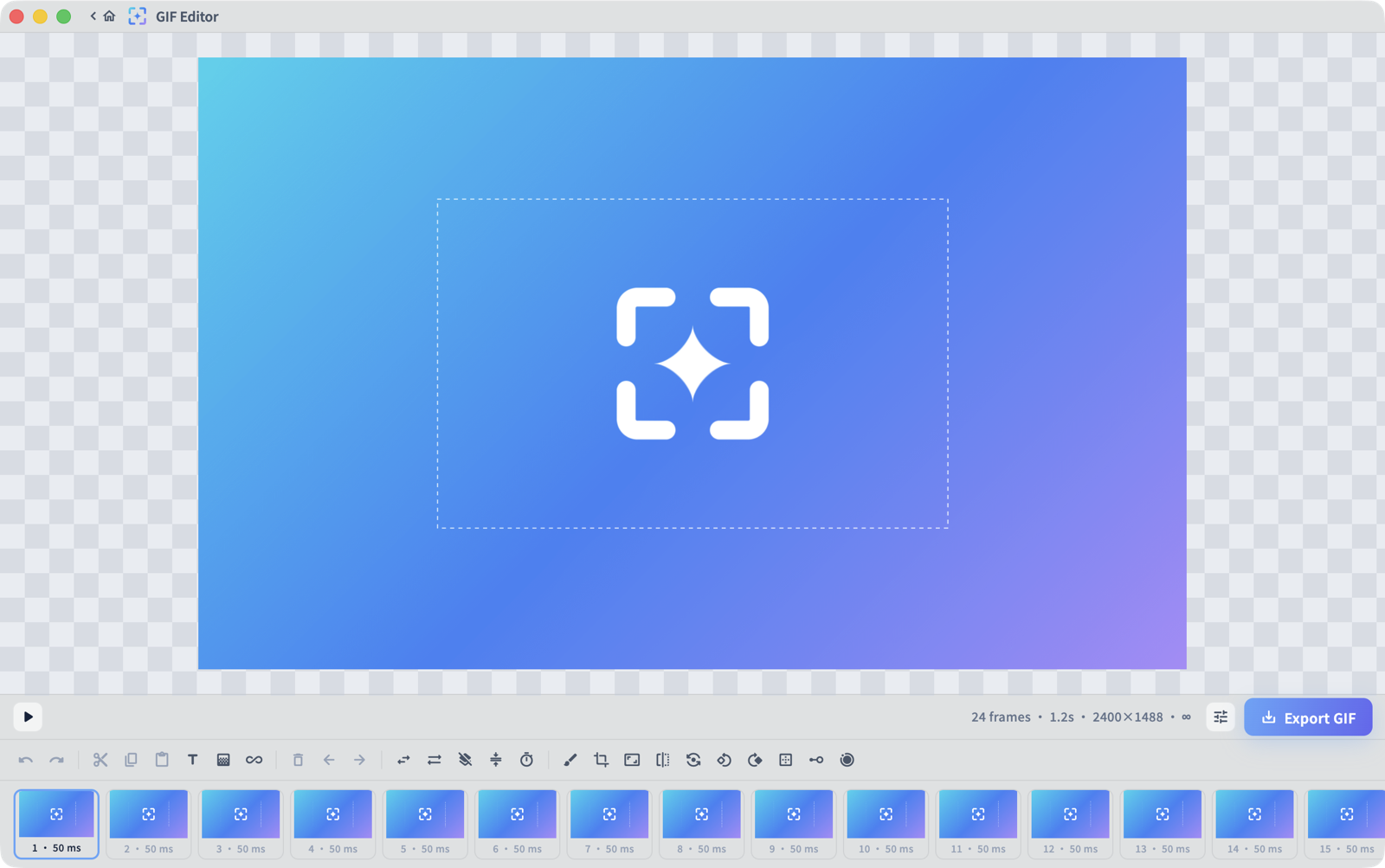
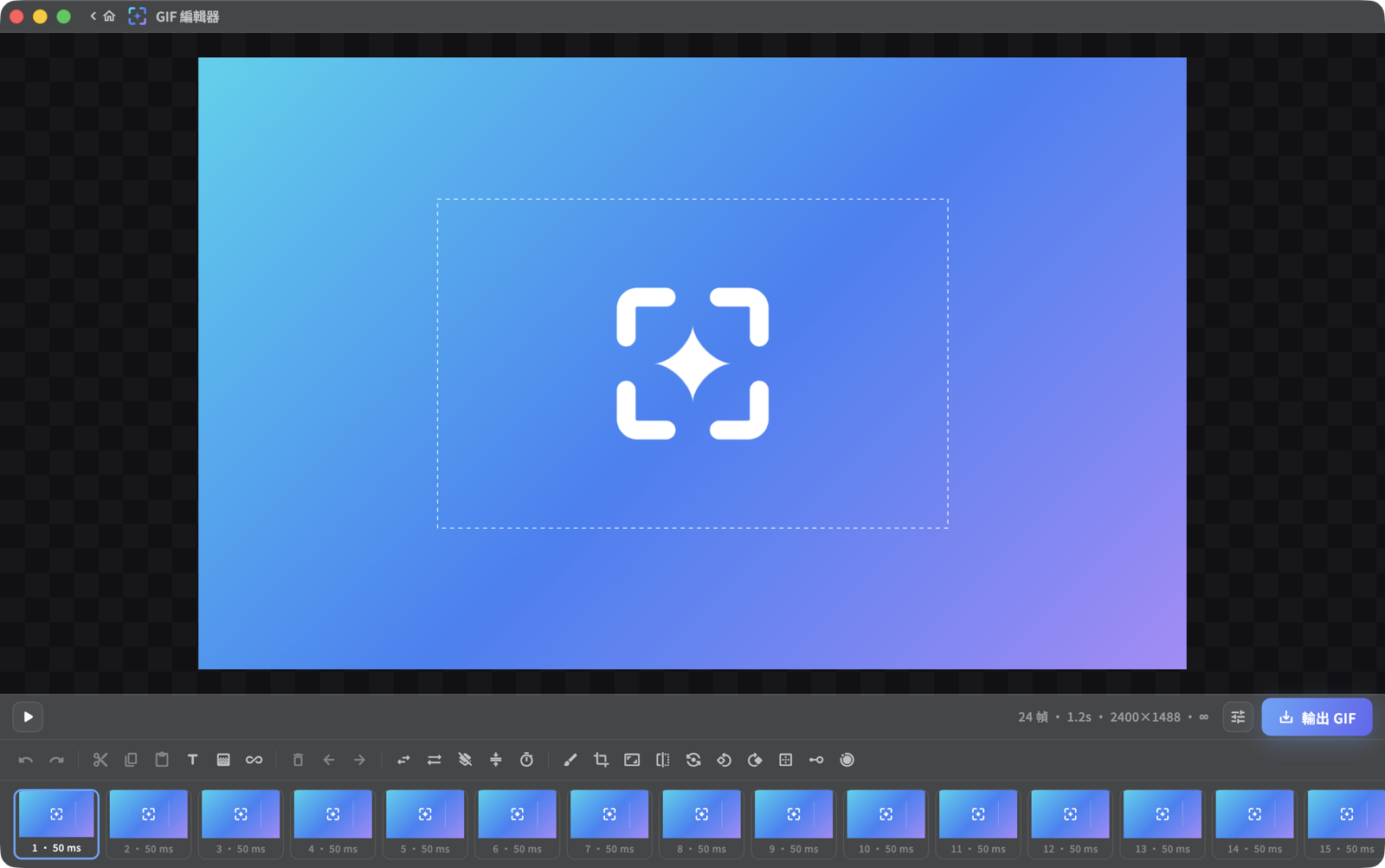
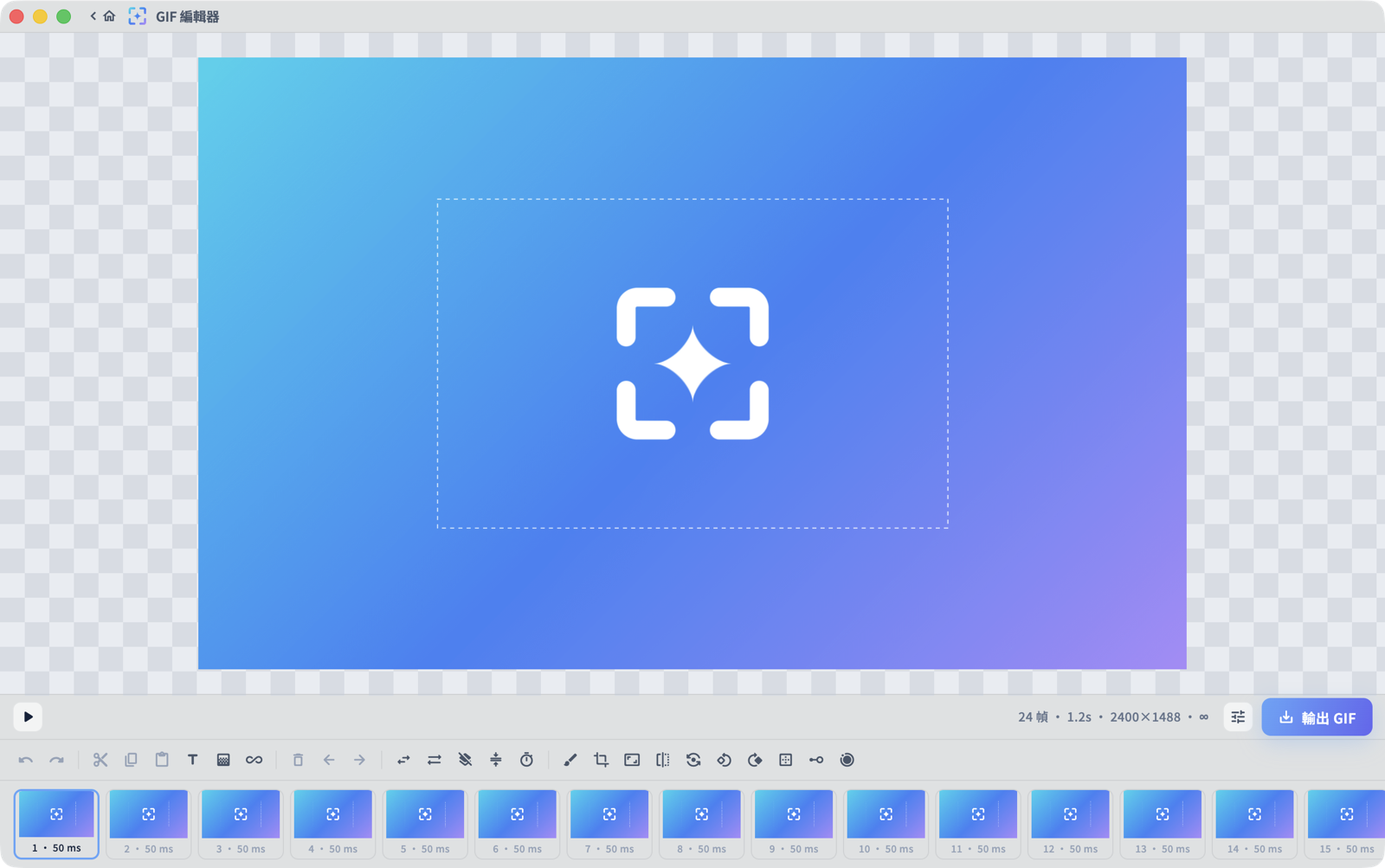
GIF editingGIF 編輯
Open any GIF in the image editor to trim, retime, crop and annotate it on a frame timeline, then re-encode it smaller with an adaptive palette. 在圖片編輯器開啟任何 GIF,於幀時間軸上修剪、調整時間、裁切並標註,再以自適應調色盤重新編碼成更小的檔案。
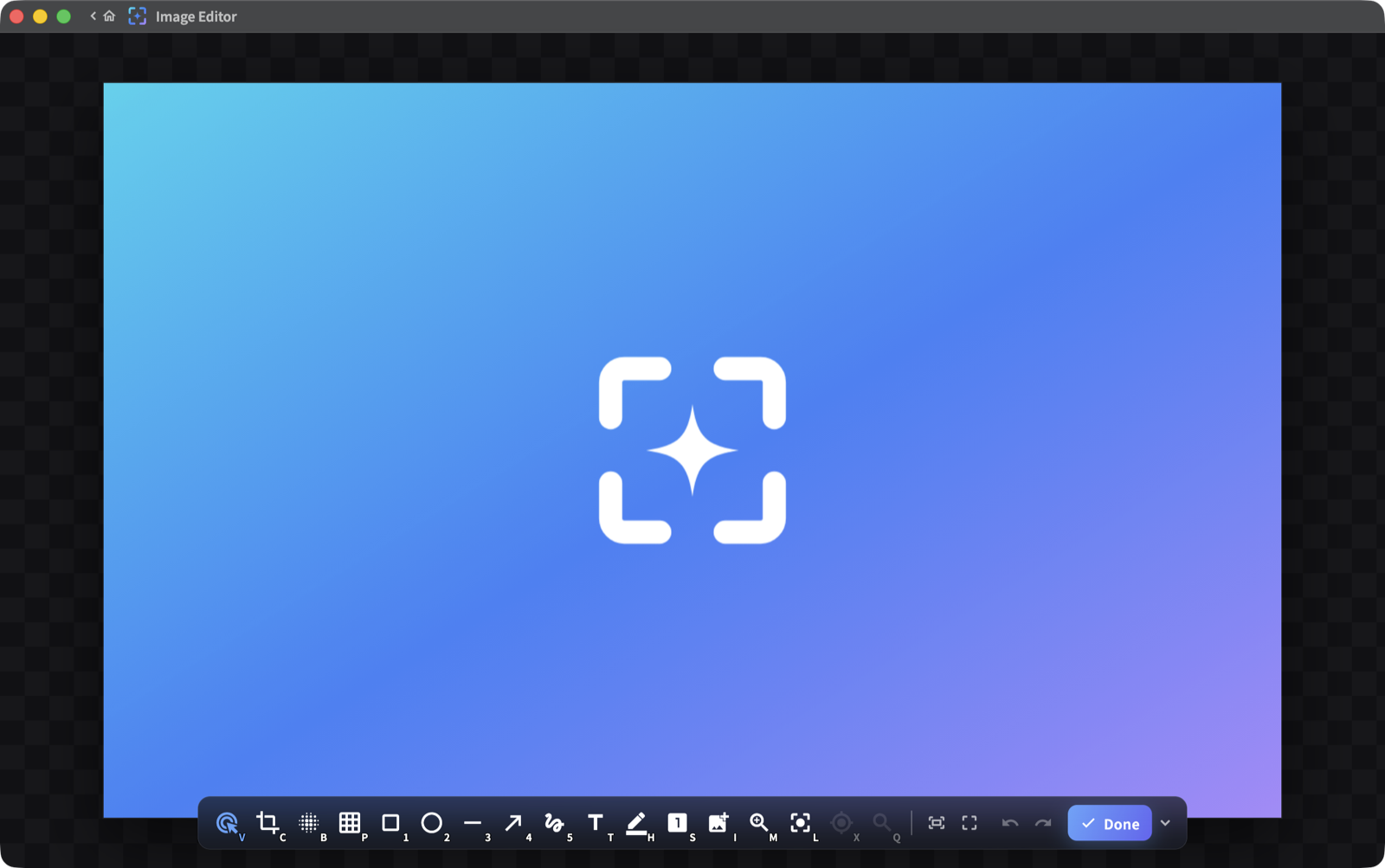
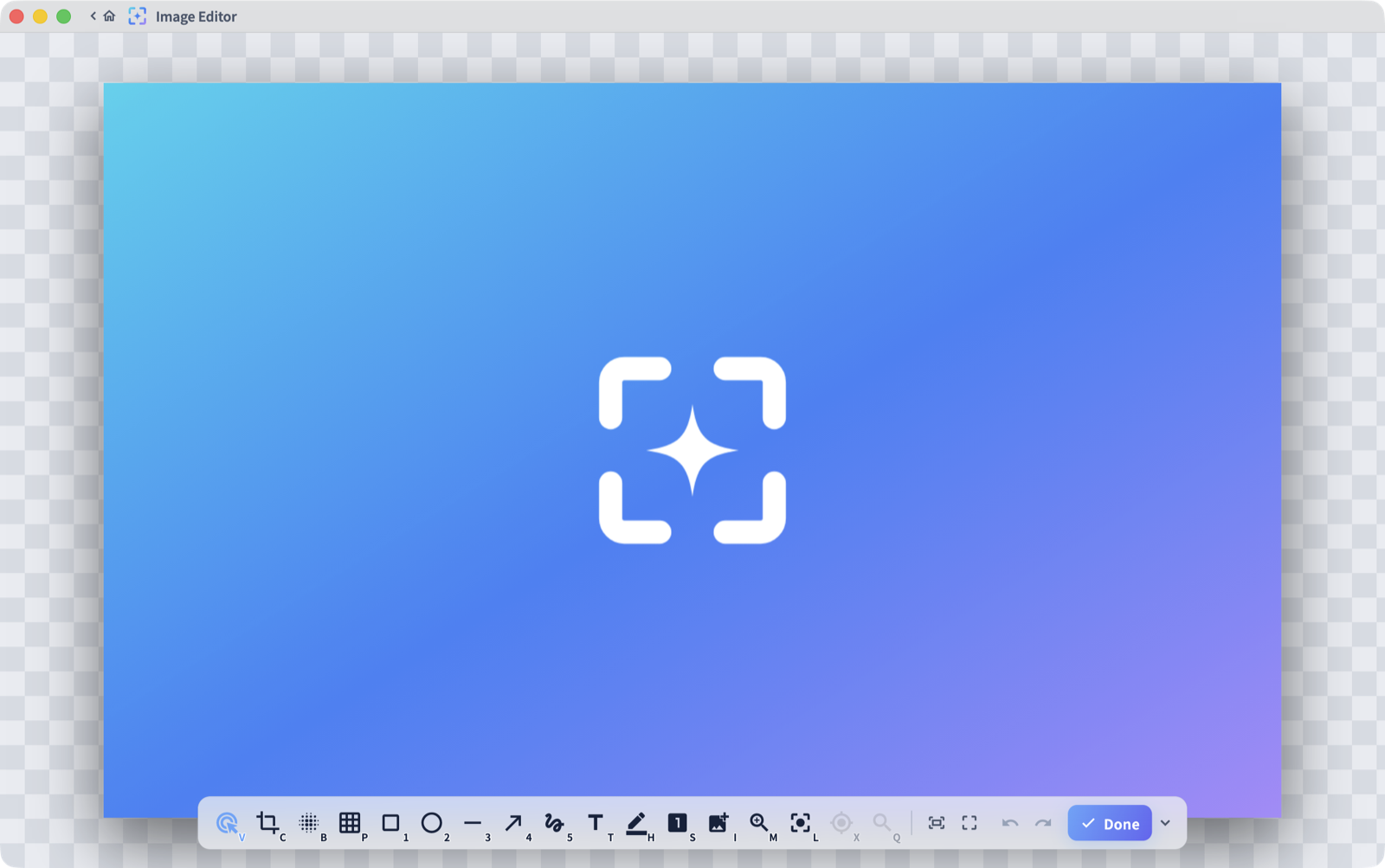
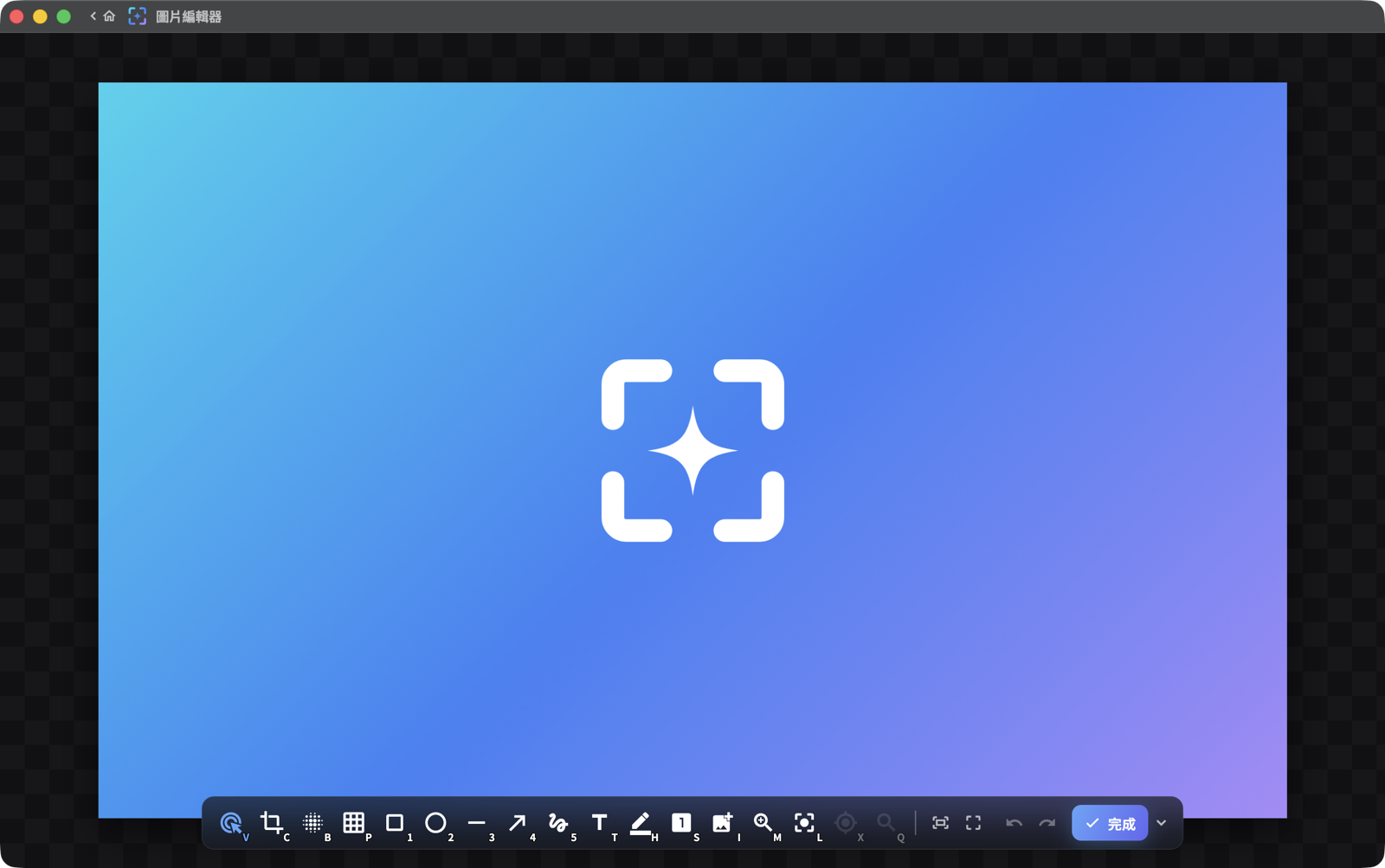
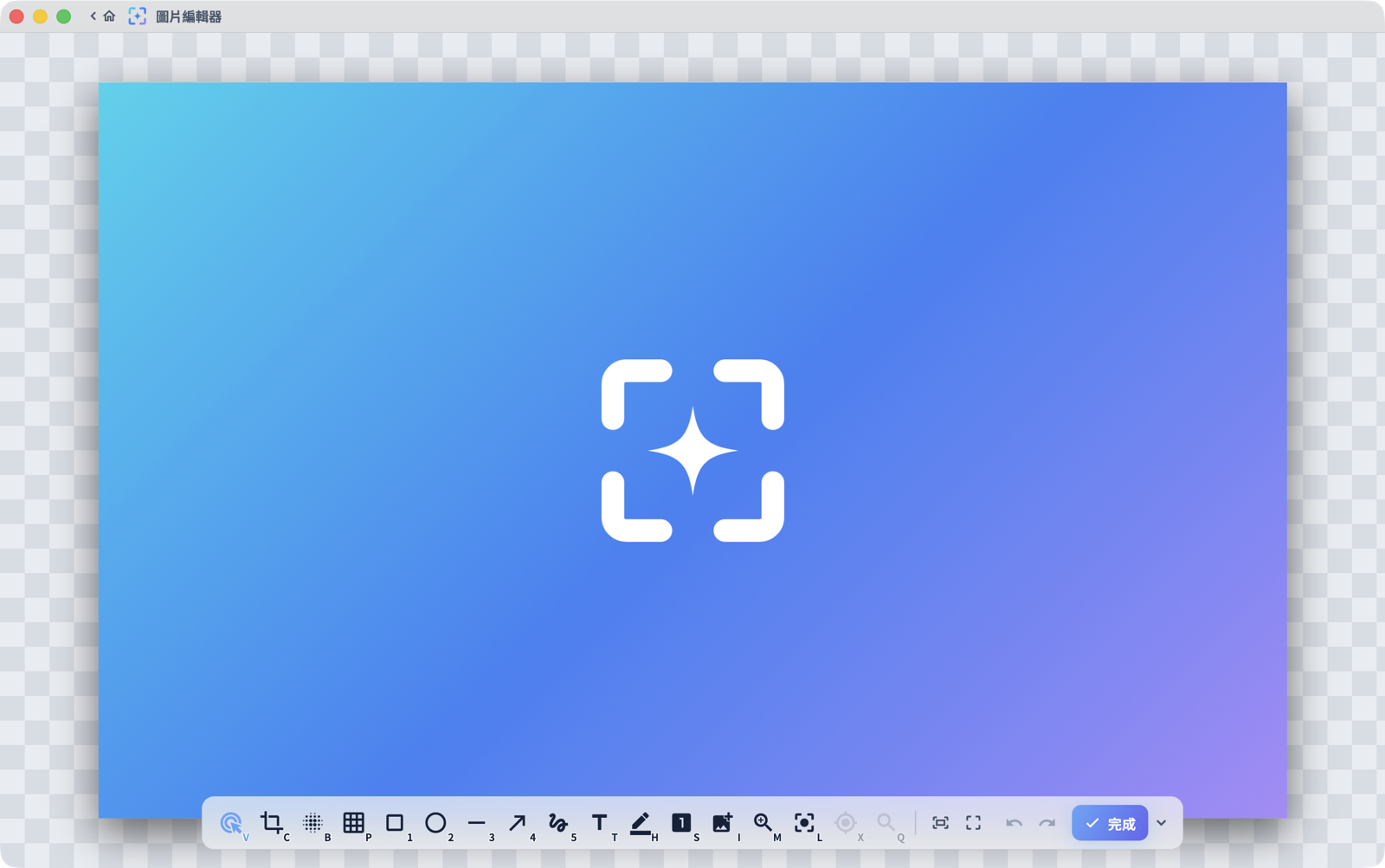
Image Editor圖片編輯器
Reopen any capture in a standalone editor with a gallery of recent shots: annotate, crop and export long after the moment. 在獨立編輯器中重新開啟任何截圖,內建最近截圖圖庫,事後隨時標註、裁切與輸出。
Pin to screen釘選到螢幕
Float any capture above your work: drag it anywhere, zoom 25 to 300%, keep it while you compare. 把任何截圖浮在工作上方:隨意拖曳、縮放 25 到 300%,對照時一直留著。
Flows that finish the job完成流程
After each capture: save, copy, pin or open an editor, with filename templates and date subfolders, automatically. 截圖完成後自動接手:儲存、複製、釘選或開啟編輯器,加上檔名範本與日期子資料夾。
Hotkeys, your way全域快捷鍵
Every action is rebindable (PrintScreen, F13 and up, even bare keys) to fit the muscle memory you already have. 每個動作都能重新綁定(PrintScreen、F13 以上、甚至單鍵),貼合你既有的肌肉記憶。
HDR faithful忠實 HDR
HDR10 recording and HDR screenshots on supported displays; SDR output stays tone-mapped and true. 支援的顯示器上可 HDR10 錄影與 HDR 截圖;SDR 輸出維持正確的色調映射。
Private by design隱私優先
No telemetry, no account. Captures never leave your machine; the only network request is the optional update check. 無遙測、無帳號。截圖內容不離開你的電腦;唯一的網路連線是可關閉的更新檢查。
Free & open source免費且開放原始碼
Apache-2.0 on GitHub, free forever; installed builds update themselves in one click. Apache-2.0,完整公開於 GitHub,永久免費;已安裝版本一鍵自我更新。
Install安裝
macOS 14+
- Download the macOS .dmg 下載 macOS 版 .dmg
- Drag Glimpr into Applications 把 Glimpr 拖進「應用程式」
- Grant Screen Recording on first launch (the app is signed and notarized) 首次啟動時授權「螢幕錄製」(app 已簽章並公證)
Windows 10 (1903+) / 11
- Run the downloaded Glimpr-Setup installer 執行下載的 Glimpr-Setup 安裝程式
- SmartScreen: More info → Run anyway (expected while the release is unsigned) SmartScreen:其他資訊 → 仍要執行 (未簽章版本的預期行為)
- Or unzip the portable build anywhere 或將可攜版解壓到任意位置